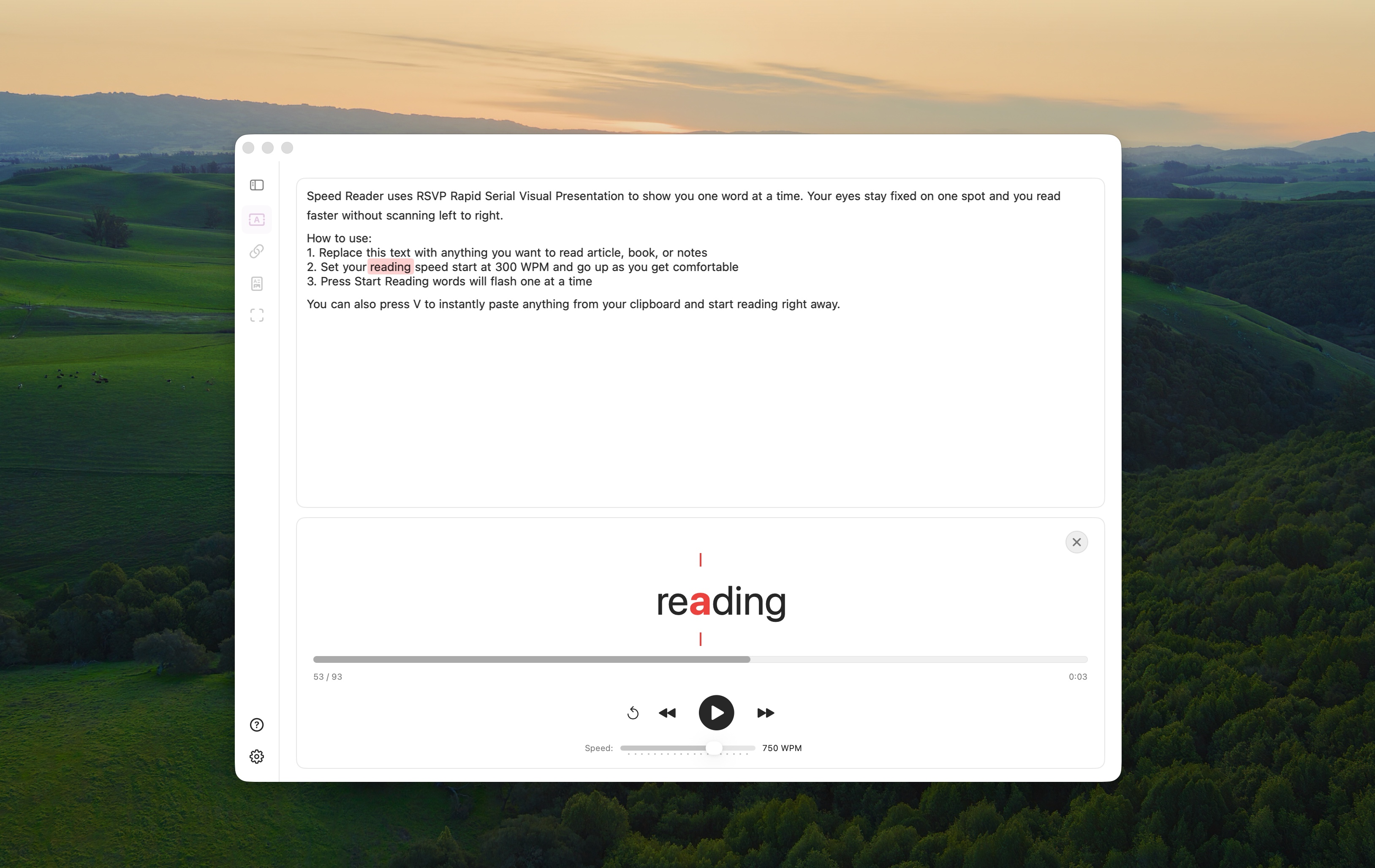
Main Window
Text preview, word highlighting, playback controls, and progress tracking.

Speed Reader uses RSVP to show you one word at a time at your pace. Articles, books, PDFs — anywhere on your Mac.
Speed Reader uses Rapid Serial Visual Presentation (RSVP) — a proven technique that displays text one word at a time at a fixed location. This eliminates eye movement between words, which typically accounts for 80% of reading time.
By focusing on a single point, your brain processes words faster without losing comprehension. The Optimal Recognition Point (ORP) guides your eye to the perfect letter in each word, maximizing reading efficiency.
RSVP is especially helpful for people with central field loss or peripheral reading needs. If you need Speed Reader for medical reasons, contact us for a free license.
Designed for macOS. Built with native technologies. No Electron.
From 100 to 1000 WPM with ORP highlighting — your eye lands on the perfect letter every time. Read naturally, read fast.
Read anything. PDF, EPUB, DOCX, Markdown, FB2, plain text, and more. Built-in OCR for images and scanned documents.
Paste a link and read any article at your speed. Smart extraction pulls clean text from any webpage — no clutter, no ads.
Select any area on your screen and read it instantly. Built-in OCR recognizes text from any app, image, or document.
Make it yours. Adjust fonts, colors, ORP highlighting, themes, and reading mode to match your style.
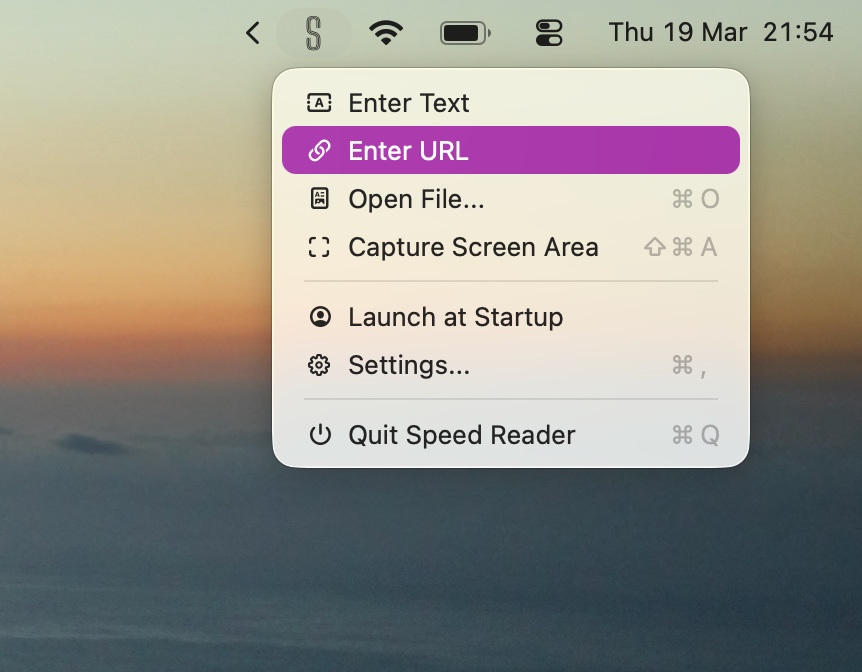
Always one click away. Start reading from clipboard, open files, or capture screen — all from the menu bar.
Choose the mode that fits your workflow
Text preview, word highlighting, playback controls, and progress tracking.
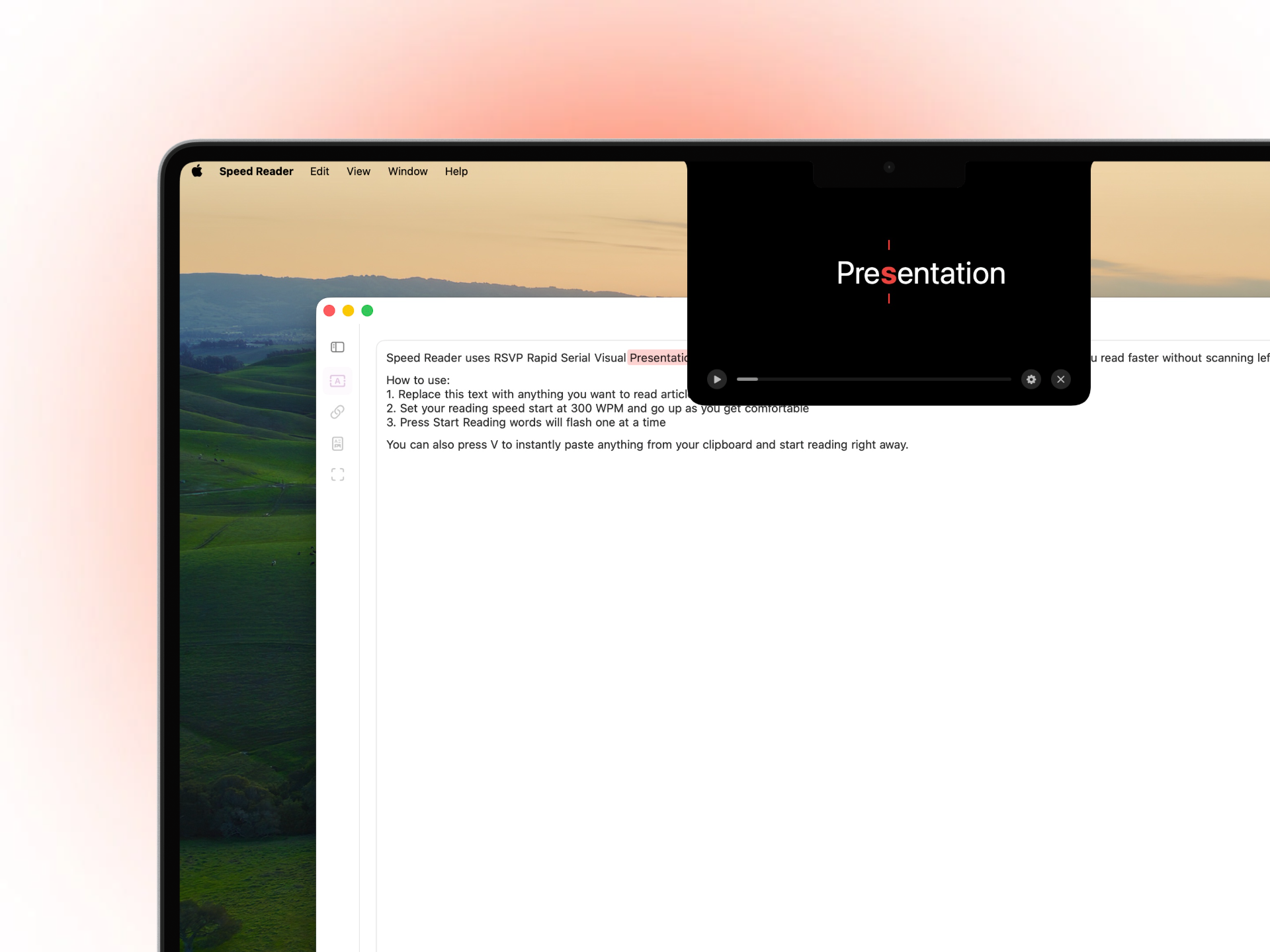
Dynamic Island-style reader around your MacBook notch. Minimal and always on top.
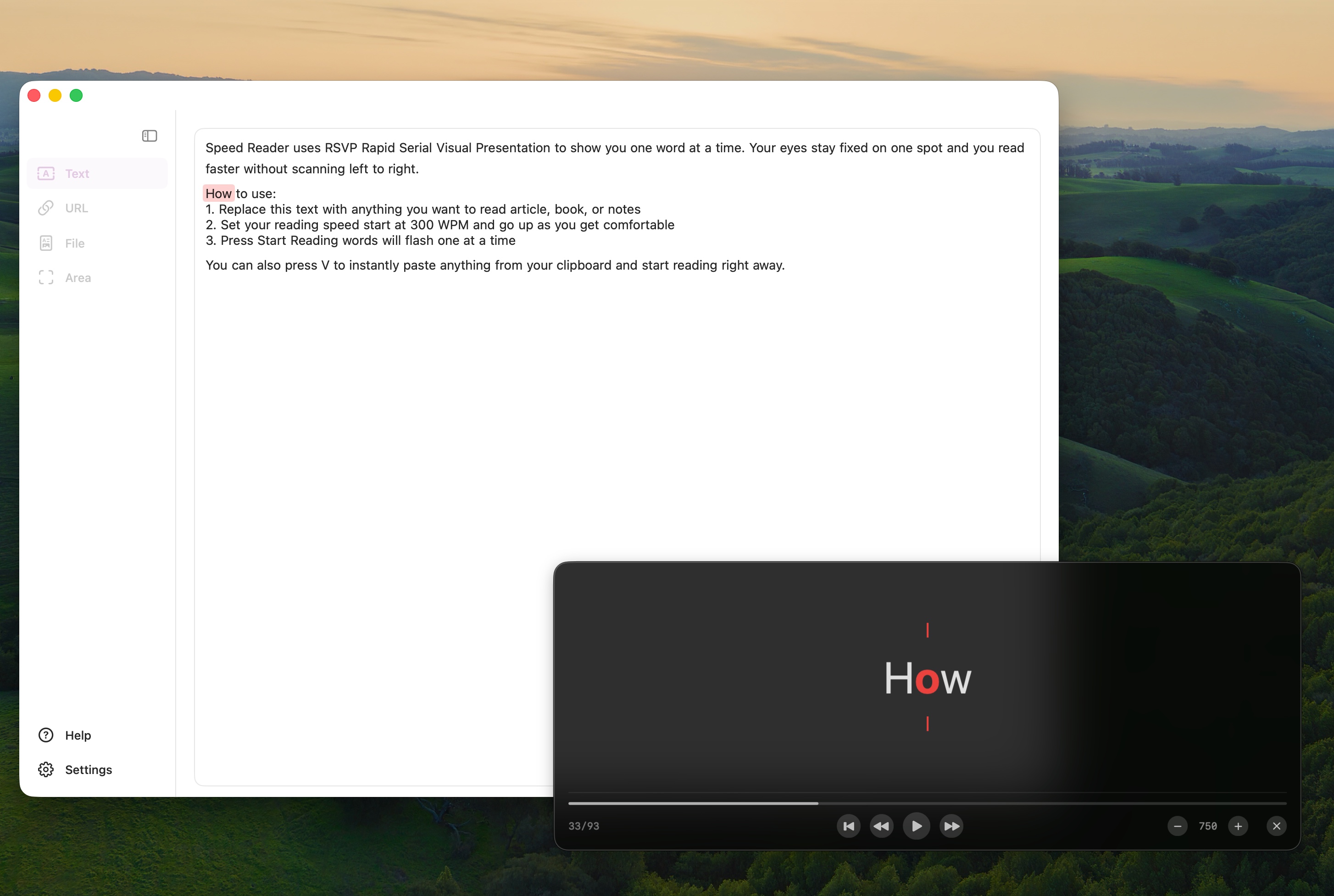
Floating glass panel with adjustable opacity for reading alongside other apps.
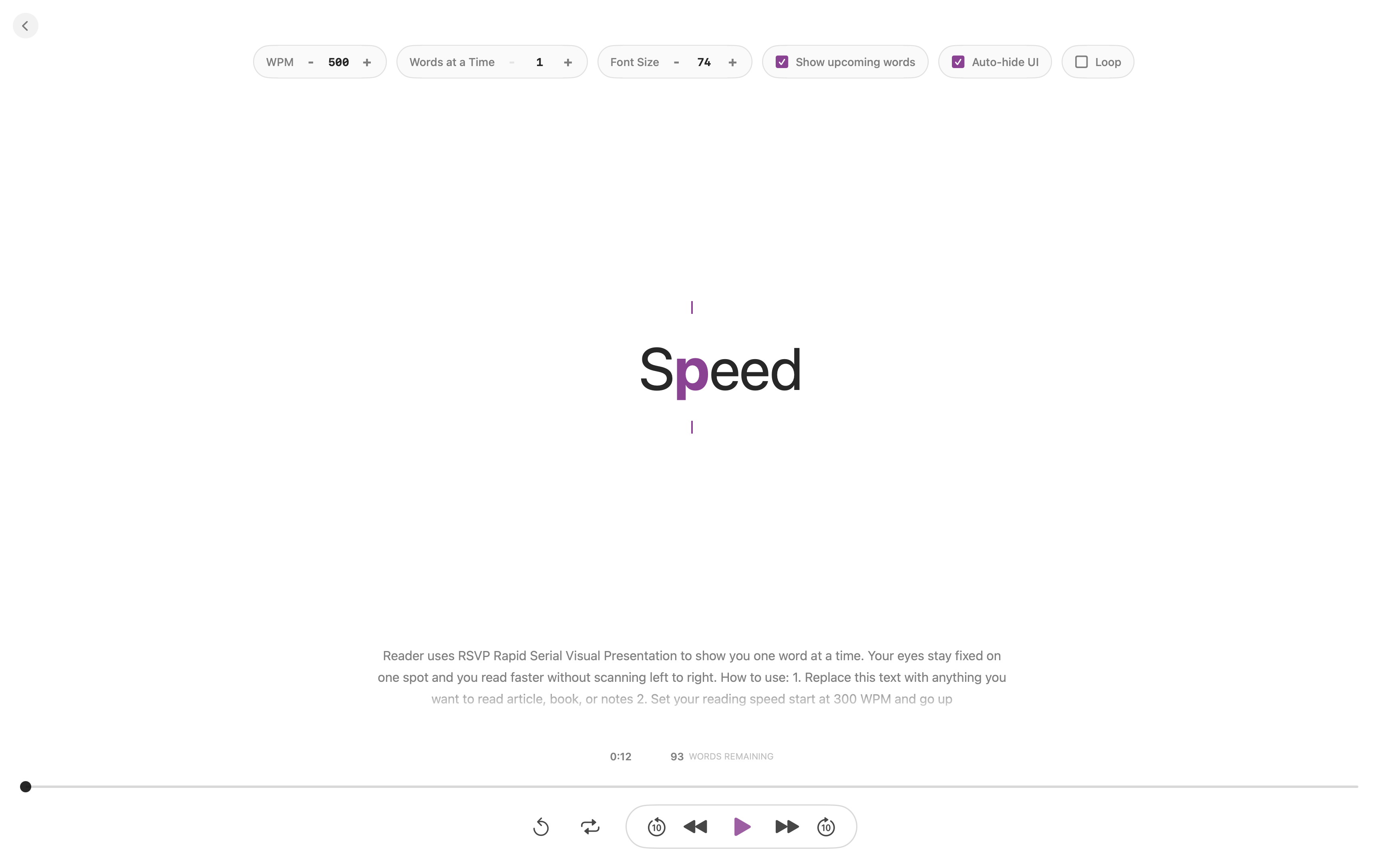
Full-page reader with multi-word text, progress scrubbing, font sizing, and keyboard controls.
Drop a file, paste a URL, capture your screen, or just type
Start with a free trial, then unlock lifetime access
One payment of $10.99 $8.99. Lifetime access to every update.
Start with a 3-day free trial — no payment required. Try all features before you buy.
brew install --cask speed-reader-pro/tap/speed-reader
Try Speed Reader for free right in your Chrome browser
Read any webpage with RSVP technique — completely free. No installation required, works on any site.
Add to Chrome →